
Can You Make Someone Unfollow You On Instagram Safely?
May 15, 2026
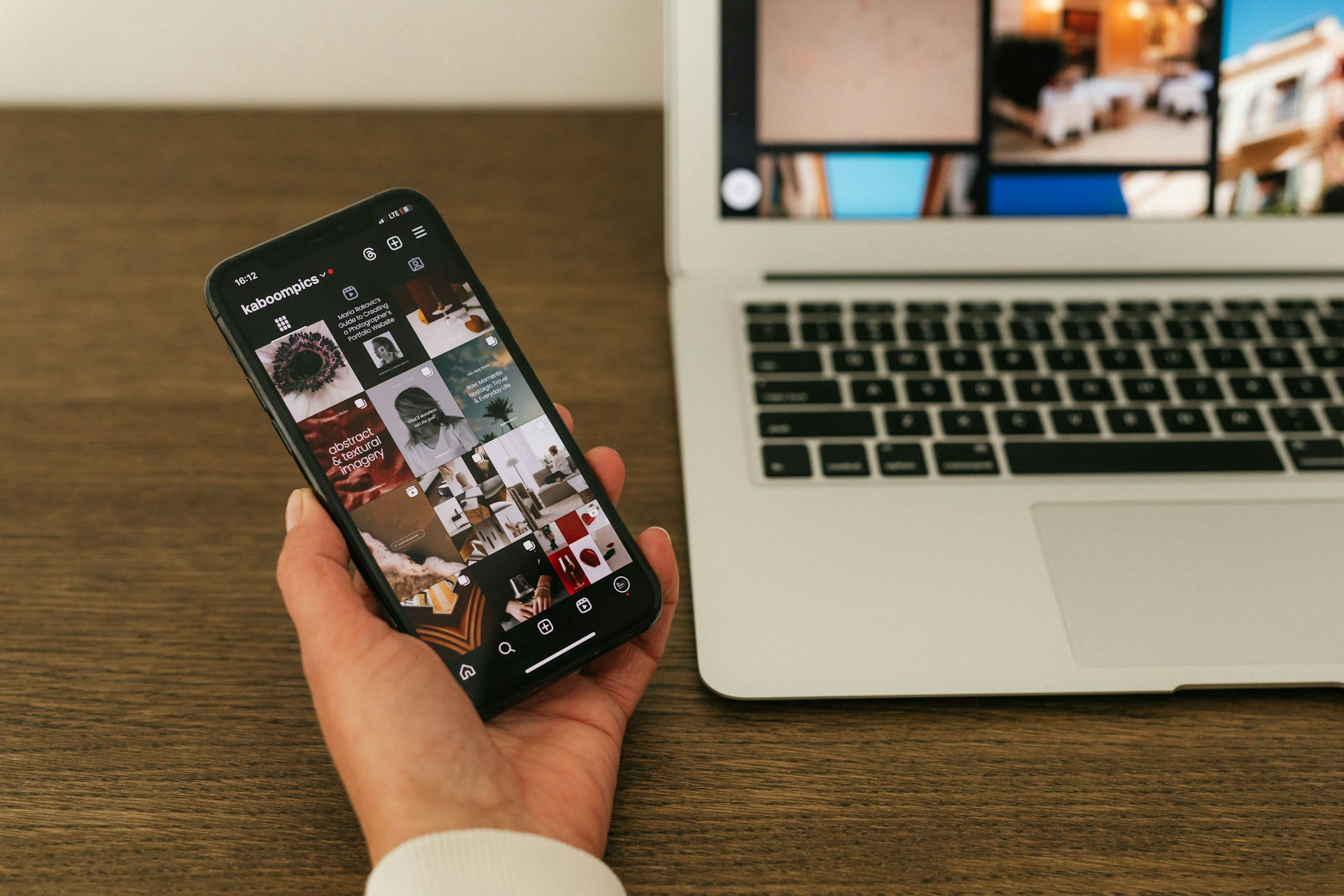
Managing your Instagram following list gets awkward fast. If you’re searching "can you make someone unfollow you on Instagram," you’re definitely not the only one. Sometimes you just want a little more space online without starting drama or blocking someone completely.
The problem is that Instagram doesn’t give you many clean ways to manage unwanted followers quietly. That’s why a lot of people look for simple tools and follower insights to better understand who follows them, who unfollowed them, and how to clean up their account safely.
FollowBuddy makes this easier with a safe, no password required approach to Instagram follower insights. Instead of using risky unfollower apps, it helps you track non-followers and manage your account in a more secure, Instagram-compliant way.
What Instagram Lets You Control
Instagram puts most of the control in your hands when it comes to managing your audience. You can remove followers, restrict who sees your content, and block accounts entirely. But you can't hit a button that forces someone else to unfollow you from their end.
How Following Works On Public And Private Accounts
On a public account, anyone can follow you without your say-so. There's no gate to keep new followers out.
On a private account, though, you have to approve every follow request. That gives you the power to say no right from the start. Switching to private is often the first thing people do when they want more control.
What Happens When You Remove A Follower
When you remove a follower, they're dropped from your list quietly. Instagram won't send them any notification or message.
If they check your profile later and your account is private, they'll just see a "Follow" button, as if they never followed you. They'd have to request again, and you can simply ignore it.
Why You Cannot Force Another Account To Unfollow
Instagram doesn't offer any tool or setting to make someone unfollow you. You can only control your own account.
Some people try blocking and then unblocking someone. That does break the connection, but if your account is public, they can follow you again whenever they want.
Best Ways To Increase Distance
When you want someone out of your followers list, you've got a few options—some quiet, some more obvious. Removal is low-drama. Restriction keeps things peaceful. Blocking is a hard stop.
Remove Followers From A Private Profile
You can only remove followers if your account is private. If you're public, you'll need to switch to private in your settings first.
To remove a follower:
Go to your profile.
Tap Followers.
Find the person's name.
Tap Remove next to their username.
They won't get a notification. It's the cleanest, quietest way to go.
Restrict An Account Without Starting Conflict
The Restrict feature is for when you want to limit someone without making a scene. When you restrict someone:
Only they can see their comments on your posts unless you approve them.
Their DMs go to your message requests, not your main inbox.
They can't see when you're active or if you've read their messages.
They still follow you, but their access is quietly dialed down. This is a good move if you're worried about real-life awkwardness.
You can restrict someone by holding their comment, visiting their profile, or through your privacy settings.
Block Someone When You Need A Hard Boundary
Blocking cuts all ties. When you block someone:
They're removed as a follower.
They can't search for your profile.
They can't see your posts, stories, or reels.
Instagram doesn't tell them they've been blocked. If they try to visit your profile, it just looks like you don't exist.
How To Reduce What They See
Even if someone stays on your followers list, you can limit what they actually see. Instagram gives you a handful of ways to filter your audience—no need to remove or block anyone.
Hide Stories From Specific People
You can hide your stories from specific followers. They'll still see your regular posts, but your stories vanish from their feed.
To hide a story from someone:
Go to Settings.
Tap Privacy, then Story.
Under Hide story from, add the person's name.
They won't get any notice. This is perfect for when someone watches your stories a bit too closely.
Use Close Friends More Selectively
The Close Friends list lets you share stories with a smaller, handpicked group. Only people on that list see those stories.
It's like a private club within your account. If you want to share more personal moments but not with everyone, putting those posts on Close Friends keeps them out of reach from people you'd rather keep at arm's length.
To manage your list, head to your profile, tap the menu, and select Close Friends.
Limit Visibility Through Account Privacy
Switching to a private account is the most effective way to control your audience. Once you're private, only approved followers can see your posts, stories, and reels.
If you go private, existing followers stay put, but you can remove them one by one. New people have to request access, and you get to decide who gets in.
When You Want Less Attention Without Drama
Sometimes, you just want to quietly fade from someone's radar. No blocking, no removing—just less attention.
A few tweaks can make your profile less of a hotspot for that repeat visitor.
Archive Or Delete Older Posts
If someone keeps scrolling through your old posts, archiving or deleting them removes the temptation. Archived posts disappear from your profile but stay saved for you.
It's handy if there's content you'd rather not have someone digging through. Plus, it gives your profile a fresher look.
Adjust Interaction Settings For Comments And Messages
You can set who can comment on your posts or send you DMs. In your privacy settings:
Limit comments to People You Follow or Your Followers only.
Turn off message requests from people you don't follow.
Filter out unwanted comment keywords.
These tweaks reduce random interactions and don't single anyone out. It just feels like a general rule.
Avoid Signals That Invite Repeat Checking
Liking or commenting on someone's posts tells Instagram to keep showing you to them. If you want less attention, cut back on engaging with their content.
Skip replying to their stories or reacting to their posts. Less back-and-forth usually means fewer algorithmic connections between your accounts. It won't erase the fallout, but it'll cool things down.
Choosing The Right Option For Your Situation
The best move depends on who the person is and what you want. Sometimes you want to keep things chill. Other times, you need a clear boundary.
For Exes, Acquaintances, And Coworkers
If you see this person in real life, blocking might just stir up drama. Instead, try:
Removing them as a follower on a private account (quiet and effective).
Restricting the account so their interactions are limited, and they won't know.
Hiding your stories so your daily life isn't front and center.
You get space without a confrontation.
For Harassment, Safety, Or Repeated Boundary Issues
If someone's crossing the line, don't bother with gentle tools. Blocking is the way to go. That cuts off their access to your profile, posts, and DMs.
If things get serious—threats, harassment, or repeated creepy behavior—use Instagram's Report feature. Reporting lets Instagram review the account for violations, and it's confidential.
Don't feel like you have to play nice when your comfort or safety is at stake.
For Temporary Space Versus Permanent Separation
Sometimes you just need a break from someone's presence in your audience. That doesn't always mean you want to cut ties for good.
Restrict the account for a while, then lift the restriction whenever you feel ready.
Archive posts if you don't want certain people to see them right now.
Hide stories when you're craving a bit more privacy for a stretch.
If things really do feel final, removing the follower or blocking them makes the break clear. You can always change your mind down the road, but honestly, there's no rule saying you have to keep any connection that doesn't work for you.
Take a look at your followers list. Try out the Remove or Restrict option on anyone who just doesn't fit your vibe anymore.
Keep Your Instagram Experience More Comfortable
You do not have to block someone or create unnecessary tension just to get a little more space on Instagram. Small changes to your activity, content, or follower settings can naturally shift who stays connected with your account.
The important part is keeping your account safe while you manage your followers. Many older unfollower apps still ask for your Instagram password, which can create privacy and security risks over time.
FollowBuddy gives you a safer way to understand your follower activity with no password required. You can check unfollowers, find non-followers, and clean up your following list using a simple, Instagram-compliant approach built for real users.
If you want an easier way to manage your Instagram connections without the stress, we keep the process straightforward and secure.
Frequently Asked Questions
Can you make someone unfollow you on Instagram?
Yes, sometimes you can encourage someone to unfollow naturally by changing how often you interact, what you post, or by limiting their access to your content. If you want a faster option, Instagram also lets you remove followers privately on private accounts.
Is removing a follower the same as blocking them?
No. Removing a follower simply takes them off your follower list if your account is private. Blocking prevents them from finding or interacting with your account entirely.
Can someone tell if you remove them as a follower?
Instagram does not send a notification when you remove a follower. However, the person may notice later if they check your profile.
Are Instagram unfollower apps safe?
Some are safer than others. Many older apps ask for your Instagram password, which can put your account security at risk. Safer tools like FollowBuddy use a no password required approach and focus on Instagram-compliant follower insights.
How can I see who unfollowed me on Instagram?
Instagram does not show unfollowers directly inside the app. That’s why many users use follower insight tools like FollowBuddy to track changes safely and keep their following list organized.
Can Instagram ban you for using unfollower apps?
Some third-party apps can create problems if they violate Instagram’s rules or request direct login access. It’s safer to use trusted tools that avoid password collection and follow compliant methods.
What is the safest way to clean up your Instagram following list?
The safest approach is using tools that help you review followers and non-followers without asking for your Instagram password. FollowBuddy keeps the process simple, secure, and easier to manage over time.

